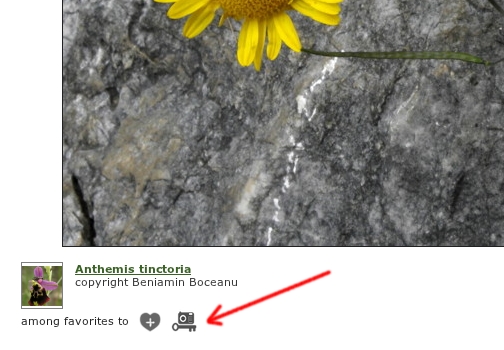
In image details module under the large image you will see the visual key button if the taxon depicted in image is included in a visual key (see figure below). The same button is visible also in scroll images module. This function allows someone to check if determination is correct.
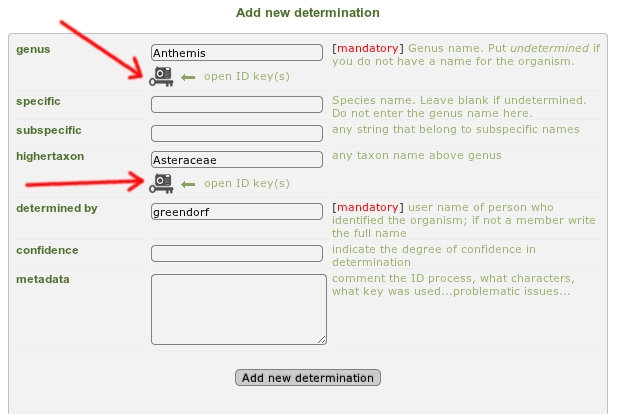
Visual key buttons are available also in ID History form. If you type a taxon name in genus or higher taxon fields the program will show a visual key button if the taxon you typed is included in visual keys (see figure below).Â
A click on this button opens the visual keys window