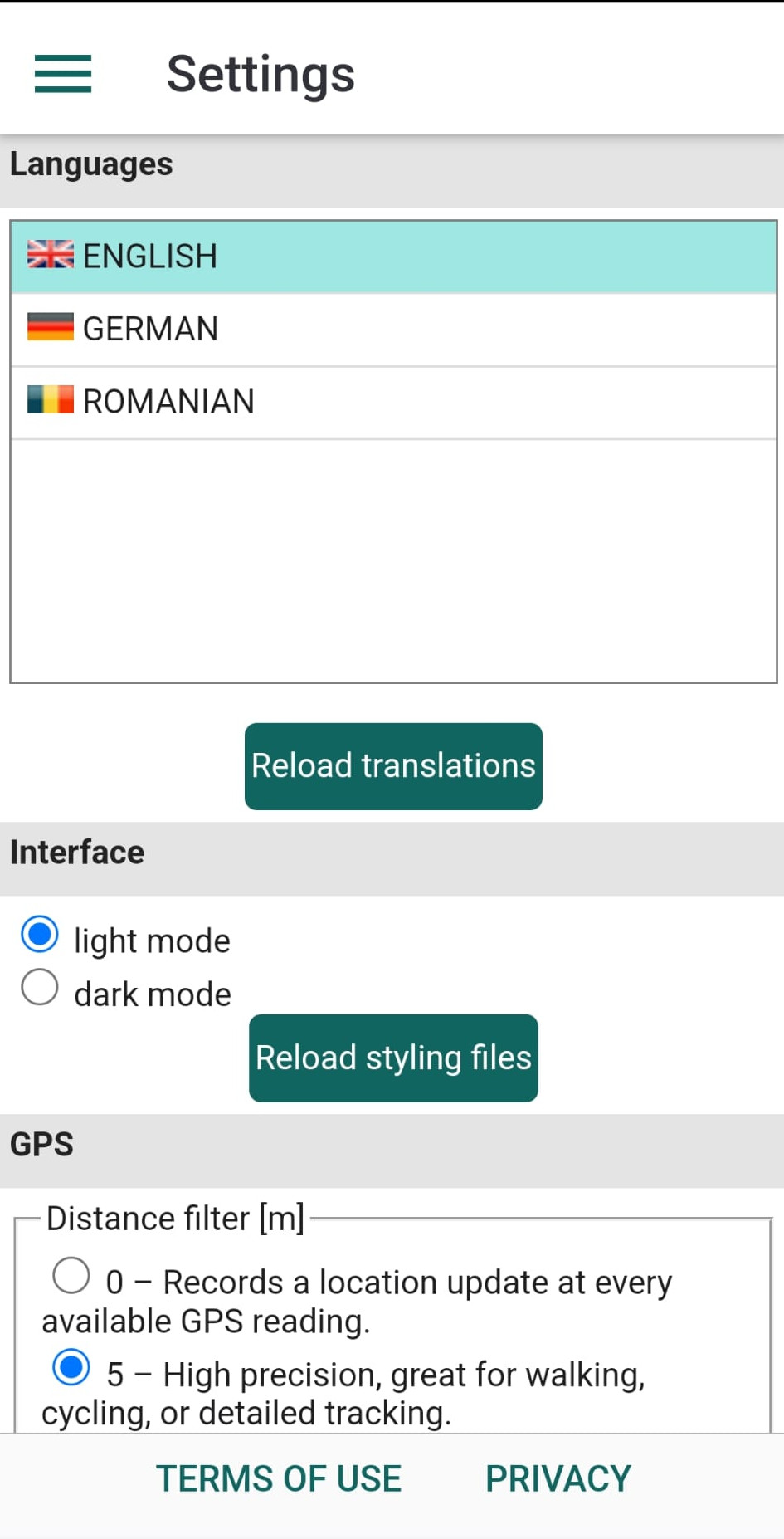
The Settings panel allows you to choose your preferred language and interface style. These changes will take effect after restarting the app.
Another section is dedicated to GPS settings, including options like Distance Filter, Stationary Radius, and Reading Frequency. These options are explained within the Settings interface and are especially important if you want to optimize battery usage.
Enabling GPS Reading Notifications will display a small panel on your screen every time a new GPS reading is taken. If Show Position Online is checked, your location will appear on a map inside the kladOS environment (kladia.info).