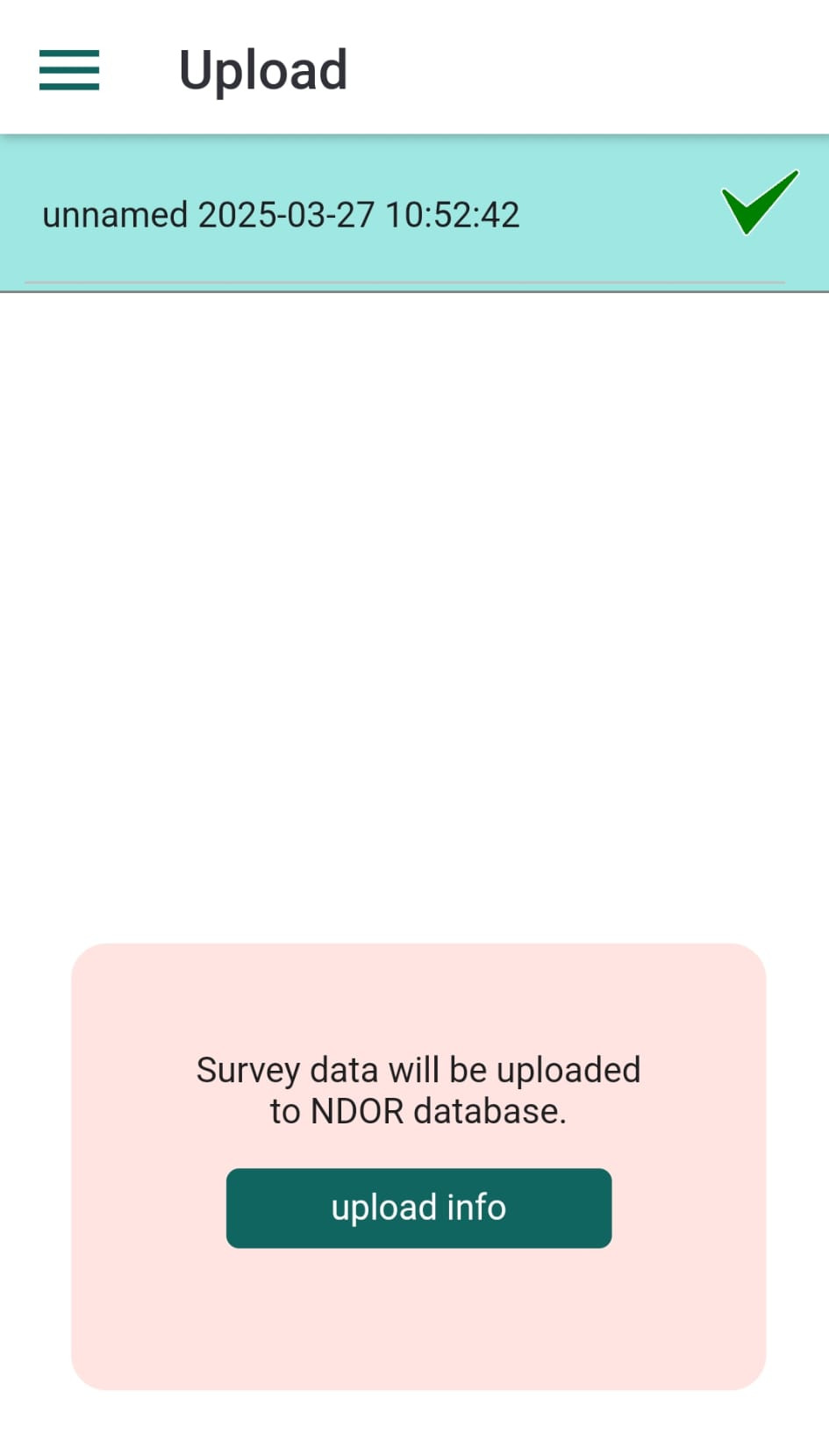
To assemble reports and export data in various formats, surveys must be uploaded to the kladia.info server and saved into the Nature Digital Object Repository (NDOR) database. On this server, you can use the Litter.Mapper web application within kladOS environment to inspect surveys, process unidentified observations, and prepare data exports.
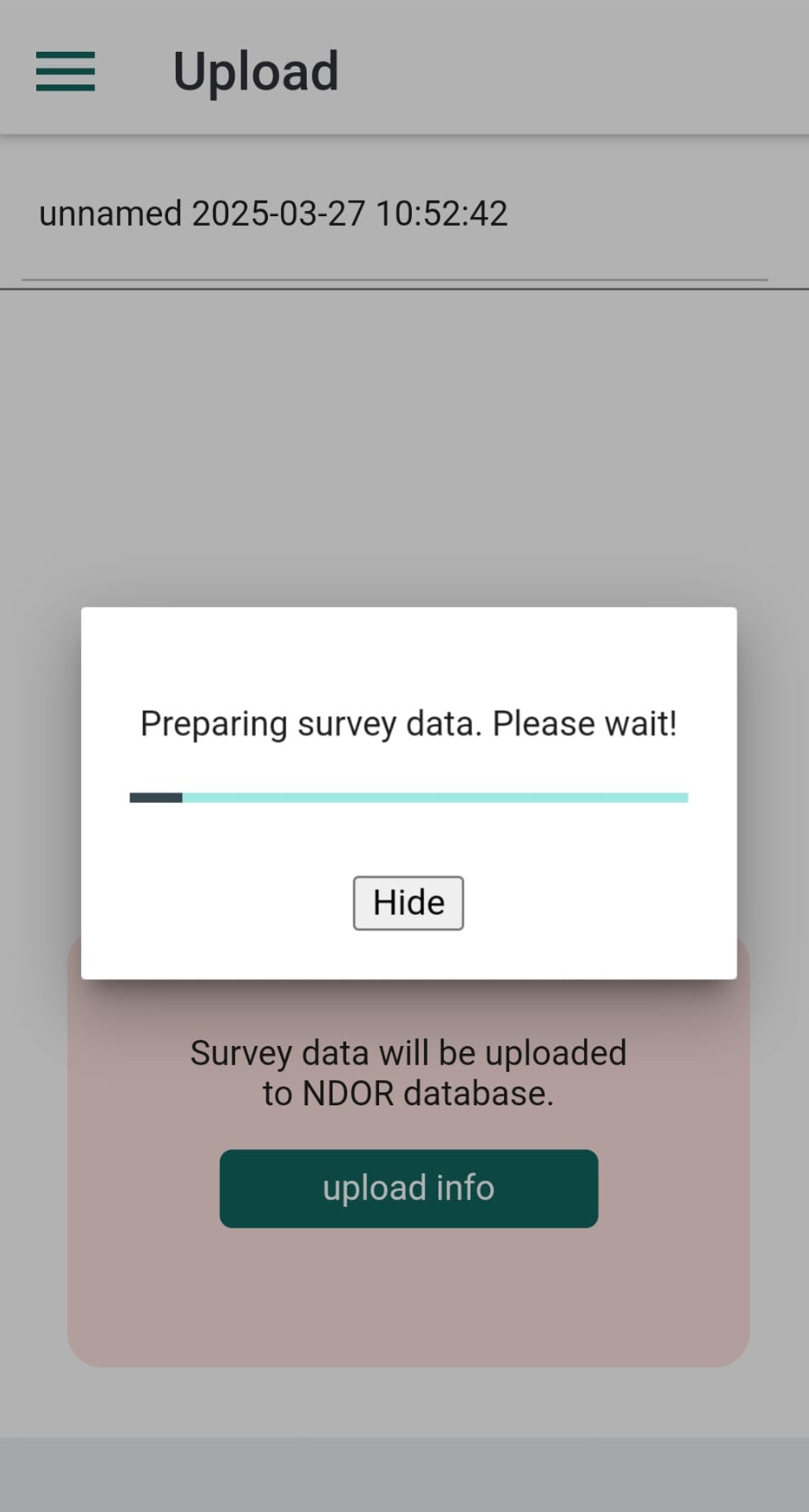
To upload surveys, select the Upload data option from the menu. This will open a panel displaying a list of your existing surveys. To upload a survey, tap on its name. The application will guide you through the upload process and display the status of each operation.
Surveys that have been successfully uploaded will display a check mark next to their name. You can tap these rows to upload the data again if needed.